Index Page
Have a problem? Look up Hard problems.
The page you are on is the main interface of the software.

Click on the menu on the left side of the top bar of the page to change the preferences and assign permissions, and the buttons on the right side are the official notice and this guide.
It should be noted that if the permissions are not fully obtained or the master switch is turned off, the rules may not be edited normally; you need to ensure that all permissions have been obtained first.
There is no rule at the beginning, so click the button in the lower right corner to add a rule; if you are a new user, just choose to create a new rule. Otherwise, you can just import the rules on new devices after exporting them in the settings.
Then, there will be a rule shown in the list.
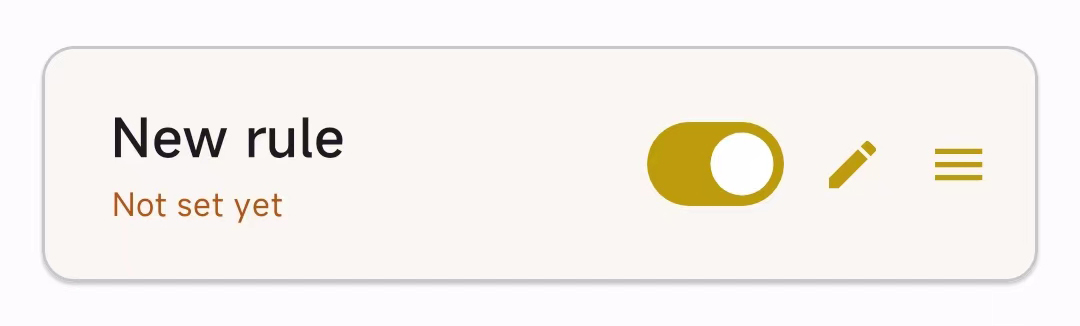
Click the pencil icon to edit the rules. For details, go to the Basic Rule Configurations page.
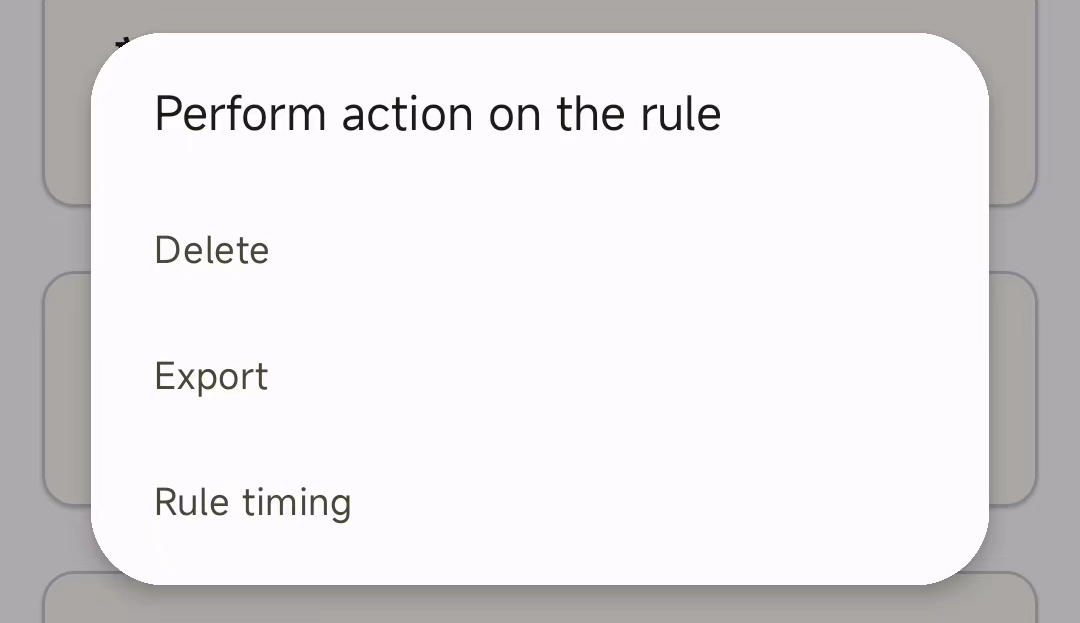
Click the three-stripes icon to delete or export rules, or to time the rules on/off.