Permissions Section
Permissions can be set on this page.
It should be noted that although some of these permissions involve privacy, the software guarantees that these data will not be uploaded to the server in any form, but will only be stored and processed locally, so the user's data is completely safe and there is no need to worry. (Yes, the app has connection to Internet, but that's only for getting messages and updates info.)
In addition, several permissions, including floating window permissions, power-saving whitelist, etc., are to prevent services from being killed by the system - now Android manufacturers often have a mechanism to forcefully kill software running in the background.
After enabling the notification permission, seeNot will display a fixed notification in the notification bar. This is called "foreground service", and it is also necessary to keep the service alive according to the Android specification. Please let it exist naturally.

Clicking the button, and you will be taken to the relevant page for setting; some settings to prevent services from being killed cannot be automatically redirected, so please go to this link (opens new window) to see the procedure for enabling them.
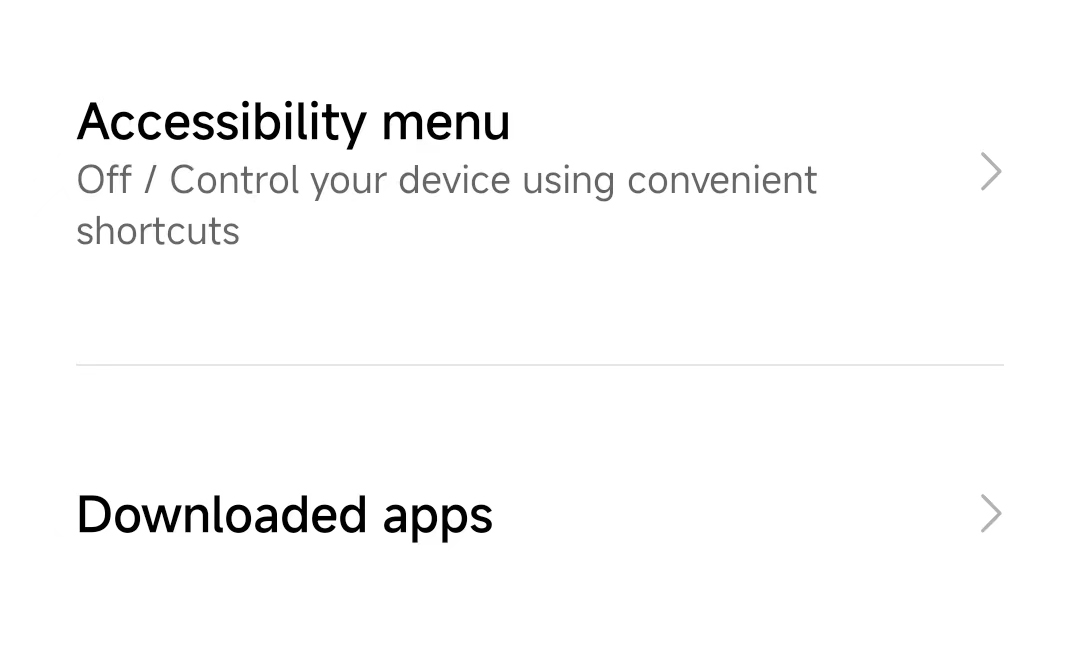
In addition, among these permissions, the "accessibility service" permission is special, but the most critical. After clicking Get to enter the relevant page, you need to select seeNot in the list and open it; if you don’t find it, you need to click to enter the Downloaded Apps category first.
Last but not least, sometimes because the service is accidentally killed by the system, the service may be "closed" or "faulty" after a period of time - when encountering this, just restart the service.